
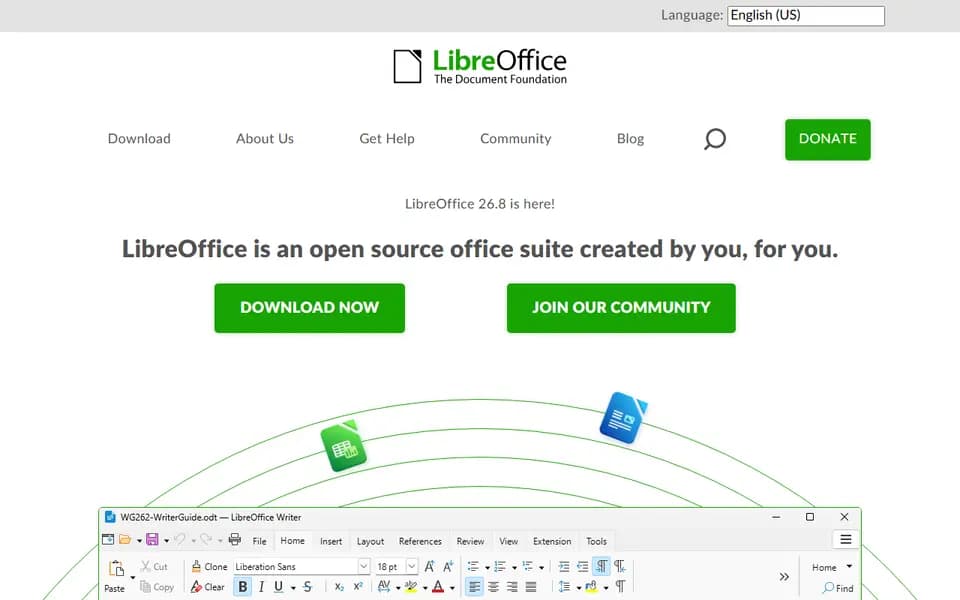
Free office suite: word processor, spreadsheet and presentations, compatible with Word and Excel.
Strengths
- Free, no subscription
- Opens and saves Microsoft Office files
- Works offline
Limitations
- Less modern interface
- Layout sometimes off with Word files
- No real-time collaboration
Overview and audience
Free office suite: word processor, spreadsheet and presentations, compatible with Word and Excel.
When considering preparing or sharing a document, start with the result you need. Our catalogue highlights these strengths of LibreOffice: Free, no subscription; Opens and saves Microsoft Office files; Works offline. These points help establish what the service offers before comparing it with other options in the same area.
Limitations to consider include: Less modern interface; Layout sometimes off with Word files; No real-time collaboration. Before adopting LibreOffice, compare these constraints with your actual workflow and the provider’s current terms. Prices, quotas and features can change; figures in the catalogue do not replace the official page. When comparing options, consider file formats and size, layout and export, privacy and sharing. The alternatives below provide a starting point for comparing options.
To make a decision, try LibreOffice on a small example that represents your actual needs. Check this criterion first: file formats and size. Record the result and any limitations, then compare them with another option. This helps distinguish an advertised feature from a service that fits your situation, without assuming that the same tool is best for every user.
For people looking for this service: Free office suite: word processor, spreadsheet and presentations, compatible with Word and Excel.
Pricing and free plan
Free
The office suite is free and open source. Professional support is a separate service.
Check official pricingUses and selection criteria
- Write a report with Writer.
- Prepare a budget with Calc.
- Build a presentation with Impress.
Frequently asked questions
What is LibreOffice for?
Free office suite: word processor, spreadsheet and presentations, compatible with Word and Excel.
Is LibreOffice free?
The office suite is free and open source. Professional support is a separate service.
What are the limitations of LibreOffice?
Less modern interface. Layout sometimes off with Word files. No real-time collaboration.
Sources and verification
- LibreOffice
- Site officiel / Official website · 2026-10-06
Overview based on the Founzio catalogue. Unconfirmed prices and terms are indicated.
Guides and comparisons
Compare alternatives to LibreOffice


