
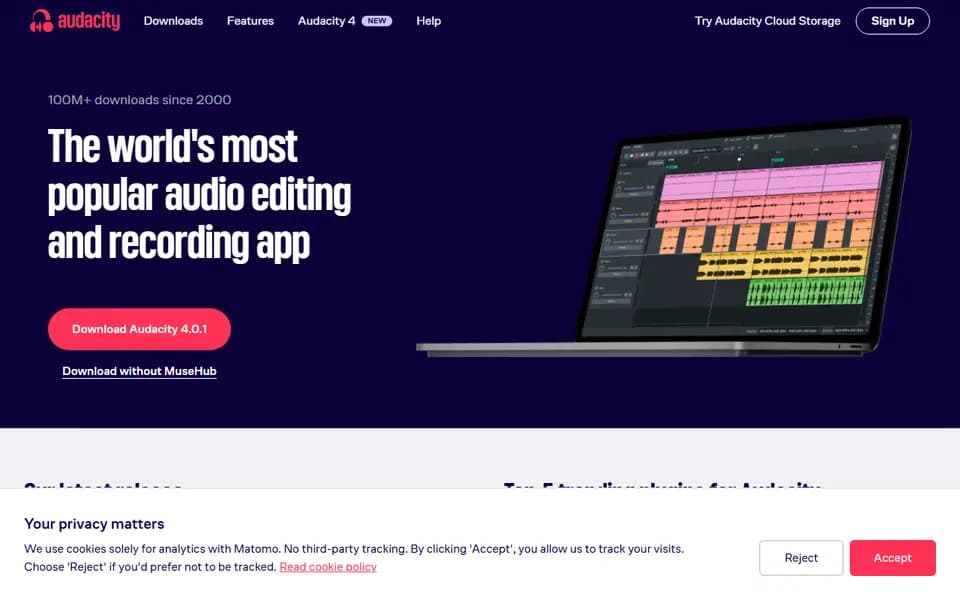
Simple, open-source audio recording and editing software.
Strengths
- Free and open source, on Windows, Mac and Linux
- Records, cuts and cleans up audio (noise reduction)
- Lots of free plugins and effects
Limitations
- Dated interface
- Not suited to music production with MIDI
- Software to install, no web version
Overview and audience
Simple, open-source audio recording and editing software.
When considering an audio project, start with the result you need. Our catalogue highlights these strengths of Audacity: Free and open source, on Windows, Mac and Linux; Records, cuts and cleans up audio (noise reduction); Lots of free plugins and effects. These points help establish what the service offers before comparing it with other options in the same area.
Limitations to consider include: Dated interface; Not suited to music production with MIDI; Software to install, no web version. Before adopting Audacity, compare these constraints with your actual workflow and the provider’s current terms. Prices, quotas and features can change; figures in the catalogue do not replace the official page. When comparing options, consider recording and audio quality, export and distribution rights, voice, music or editing. The alternatives below provide a starting point for comparing options.
To make a decision, try Audacity on a small example that represents your actual needs. Check this criterion first: recording and audio quality. Record the result and any limitations, then compare them with another option. This helps distinguish an advertised feature from a service that fits your situation, without assuming that the same tool is best for every user.
For people looking for this service: Simple, open-source audio recording and editing software.
Pricing and free plan
Free
Audacity is free and open source. Separately offered services and extensions may have their own terms.
Check official pricingUses and selection criteria
- Record a voice for a podcast.
- Cut and assemble an audio recording.
- Convert an audio file into a suitable distribution format.
Frequently asked questions
What is Audacity for?
Simple, open-source audio recording and editing software.
Is Audacity free?
Audacity is free and open source. Separately offered services and extensions may have their own terms.
What are the limitations of Audacity?
Dated interface. Not suited to music production with MIDI. Software to install, no web version.
Sources and verification
- Audacity
- Site officiel / Official website · 2026-10-06
Overview based on the Founzio catalogue. Unconfirmed prices and terms are indicated.


